PDF export
To export PDFs, a one-time lifetime purchase is required. You can restore it at any time.
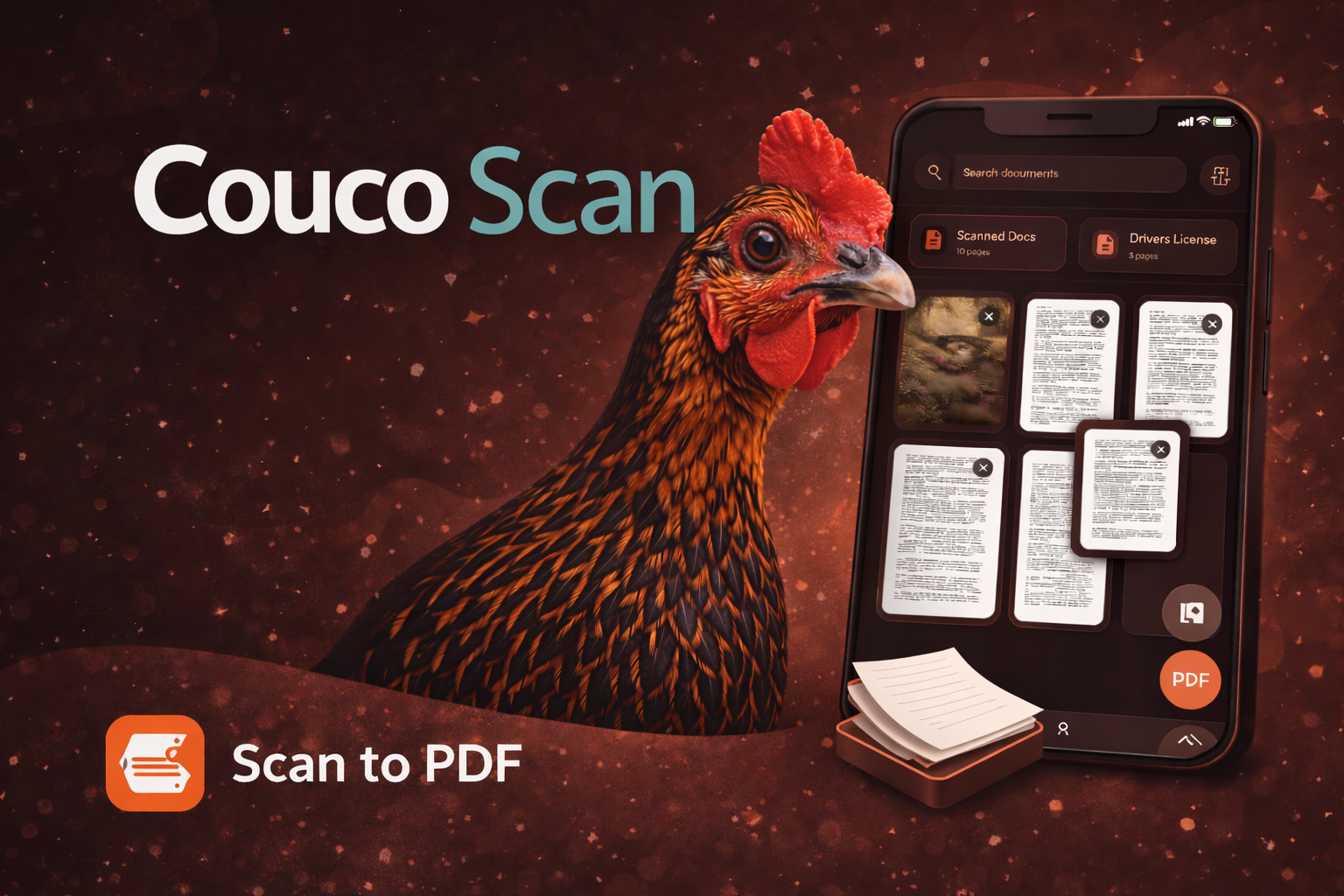
Fast help for scanning, PDF export, restore purchases, and document handling.
Couco Scan lets you scan documents, organize pages, crop when needed, and export polished PDFs. Documents autosave in the app so you can return later and continue editing.
Real iPhone screens from Couco Scan.
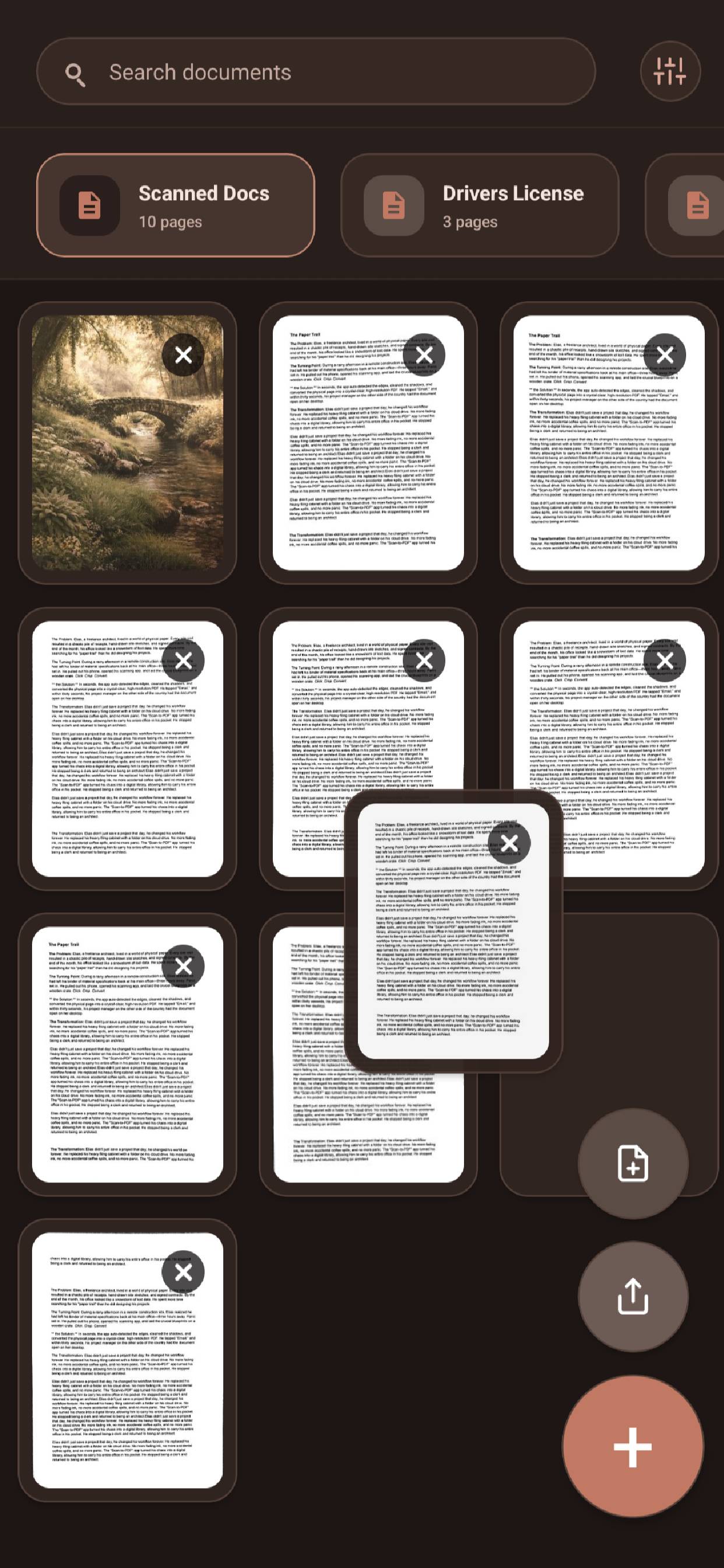
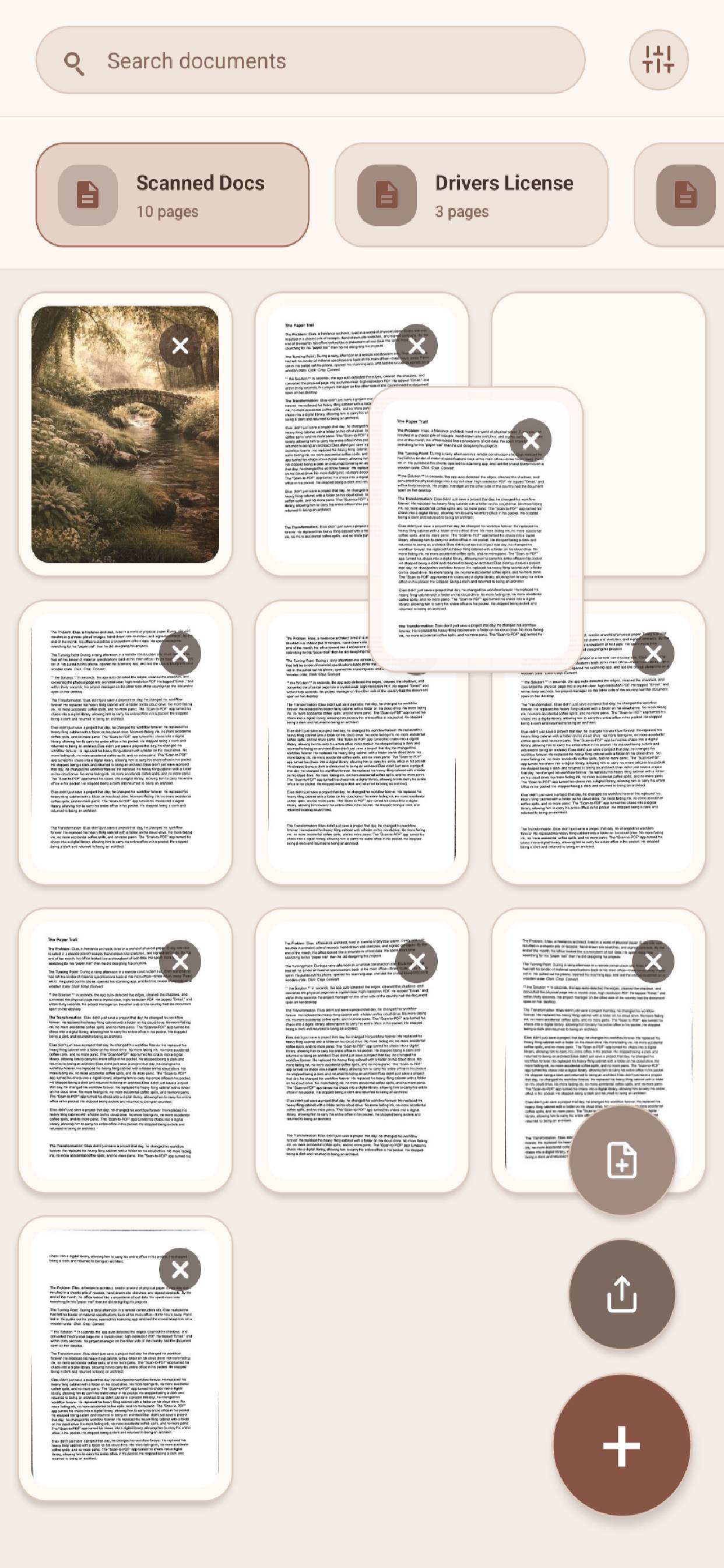
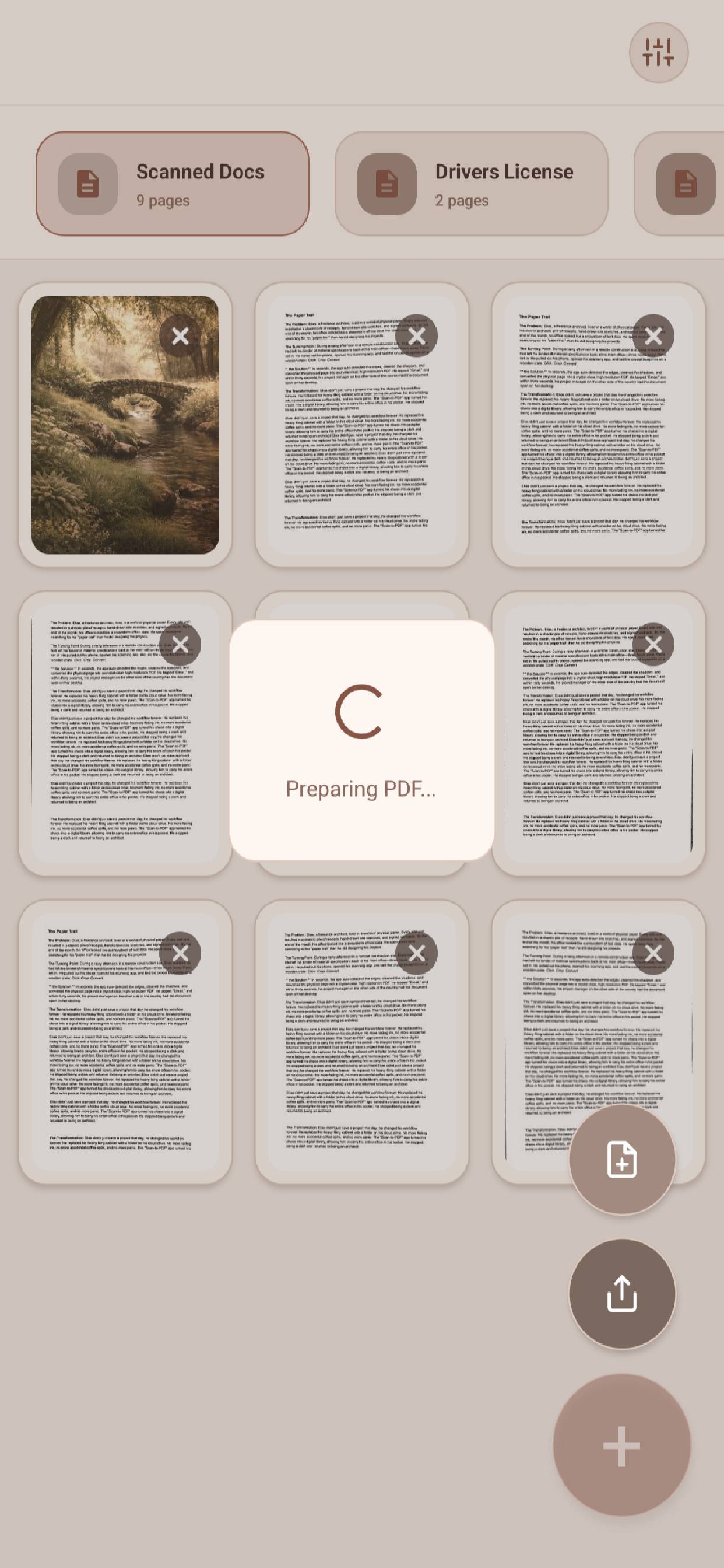
To export PDFs, a one-time lifetime purchase is required. You can restore it at any time.
Each document supports up to 15 pages. Start a new document to keep scanning.
Saved documents can be reopened, renamed, or deleted from the home screen.
For support questions, purchase issues, or bug reports, email:
mreefdev@proton.mePlease include your device type, OS version, and a short description of the issue.